
Is a business memory the same as an AI that writes your email replies?
An email reply helper writes the next message. A business memory keeps the record of your business, with the file behind every answer.

No. A business memory is a private record of everything your business knows — what was agreed, paid, promised and decided — kept on your own computer as plain text files any AI can read, so you can ask anything and get the answer with the exact reference behind it.
An email reply helper does a different job, and it does it well. It writes the next message for you. Gmail's Suggested Replies give you "a personalized message that matches the tone and style of your past written emails." Google says Gemini writes them by "pulling from your past emails and Google Drive". Microsoft says Copilot in Outlook drafts "based on thread context and organizational information."
You read the draft, fix it, and press Send. What is left behind is one more message in a mailbox, filed by the day it went out.
What does a business memory do that an email reply helper cannot?
- A business memory answers a question nobody emailed you. "What did we agree with that customer in March?" is not a message sitting in your inbox waiting for a reply. It is a question you ask. A reply helper only shows up when there is a thread in front of it.
- It holds the record, not the thread. Your quotes, invoices, contracts and emails become plain text files, each one filed by what it is about. The whole deal sits in one place, instead of spread across ten years of inbox.
- It shows the file behind every answer. You ask in plain words, the answer names the file, and you open that file and read it yourself. A drafted reply is writing, not proof. Microsoft says the same about its own tool: "it's important that you review, edit, and verify anything it creates for you."
- It works for the whole team. Everyone invited to a shared vault works from the same record. Microsoft's own help page says Copilot in Outlook is "only available on a user's primary mailbox" — not on an archive mailbox, a group mailbox, or a shared or delegate mailbox.
- It stays yours. The files sit on your own computer, as plain text that any AI can read — today's and next year's.
Business memory vs an email reply helper, side by side
| Business memory | An email reply helper | |
|---|---|---|
| What it is for | Answering questions about your business | Writing the next message |
| What it holds | What was agreed, paid, promised and decided | The thread in front of it, and the tone of your past emails |
| Where it lives | Your own computer, as plain text files | Your mail account, on your provider's computers |
| Which AI can use it | Any AI you choose | The one built into your mail |
| You ask "what did we agree in March?" | The answer, with the file behind it | Nothing happens. There is no message to reply to |
| Does the answer show its source? | Yes. Every answer points at the exact file | No. It hands you a draft you have to check |
| Can your team share it? | Yes. One shared vault, and everyone invited to it sees all of it | No. Copilot in Outlook works on one person's primary mailbox only |
| What is left afterwards | A record you can ask again next year | A sent message, filed by the day it went out |
Why does a business need a business memory?
A reply is a moment. A record is a fact.
The tone of your emails can change next week and nothing breaks. The price you quoted a customer in March cannot change. It is a fact, with a date and a paper behind it.
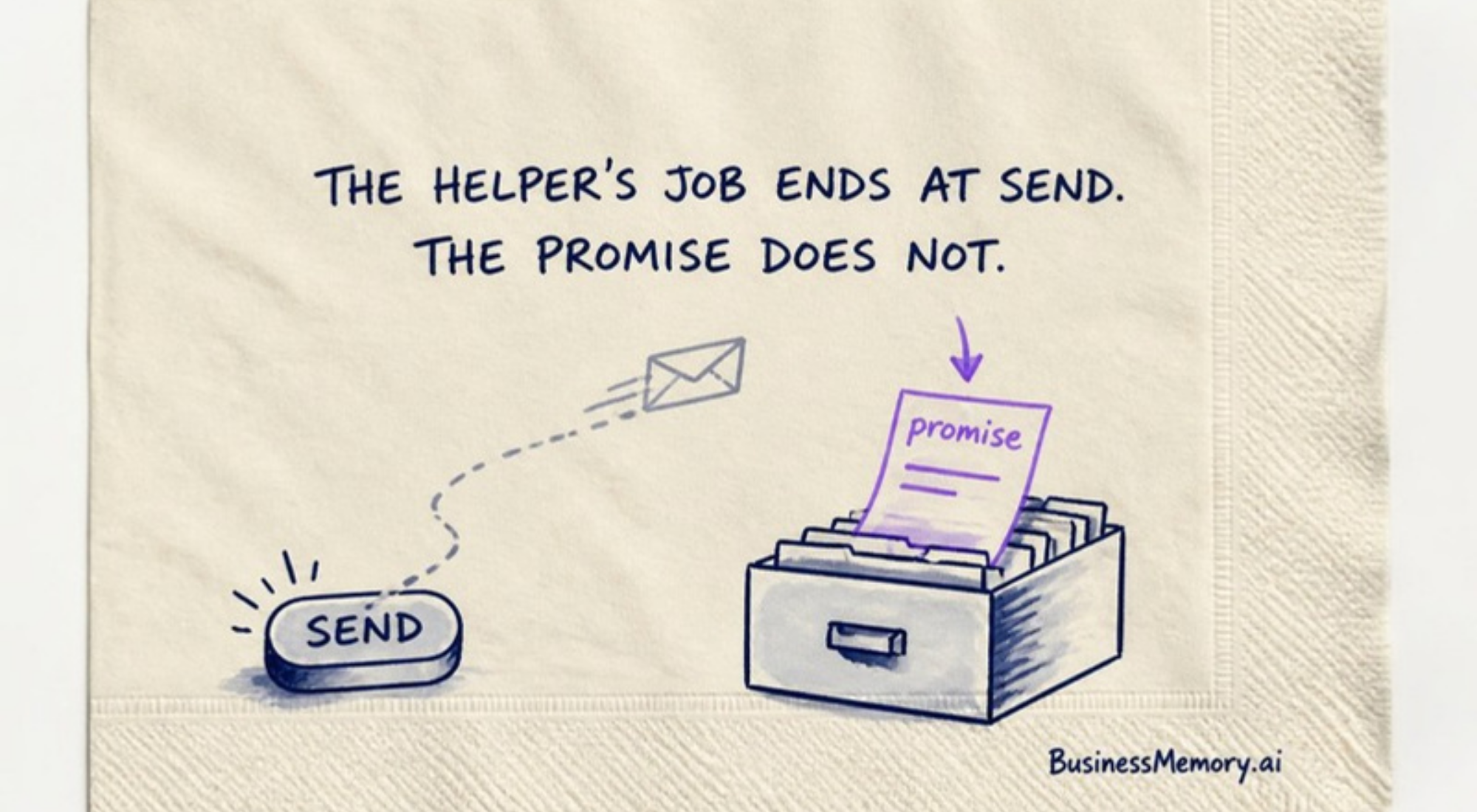
A faster reply is worth having. But the promise inside that reply still has to live somewhere you can find in two years. The helper's job ends at Send. The promise does not.
And a business is never just one person. When your office manager asks what was promised to a client, the answer should come from the same record you read — not from one mailbox only one person can open.
That is the job of a business memory.
Can I use a business memory with an email reply helper?
Yes, and you should. Let the helper write the message. That is what it is built for, and it is getting better at it every year. Keep the record of your business in a business memory you own. Because it is plain text, the AI in your mail can read it — and so can any other AI you use next.
Now the honest part, from our side. Sharing is by vault, not by person: everyone you invite to a vault sees that whole vault. Records meant for different people belong in different vaults. For a small team that line is simple, and you can see it.
Questions people ask
Is an AI email assistant a business memory?
No. An AI email assistant writes messages — it drafts a reply in your tone so you can answer faster. A business memory keeps the record of the business itself: what was agreed, paid, promised and decided, on your own computer, where every answer shows the exact file it came from.
Can an email reply helper remember my business?
It can read parts of it. Google says Gemini pulls from your past emails and Google Drive to write a reply, and that is real help. But a reply helper is built to produce the next message, not to keep the record. It answers only when there is a thread to answer, it hands you writing instead of the file behind it, and what it leaves behind is a sent email in a mailbox. A business memory keeps the record itself, with the source attached to every answer.
Can my team share a business memory?
Yes. A business memory is shared by vault: everyone you invite to a vault sees all of it, so the whole team works from one record. An email helper does not do this — Microsoft says Copilot in Outlook works on one person's primary mailbox, and not on shared, group or delegate mailboxes.
Where does a business memory live?
On your own computer, as plain text files you can open. Your mail, and the helper that writes your replies, lives on your provider's computers, behind your login.
Keep reading
- What is a business memory?
- I own my emails now
- Is a business memory the same as corporate memory or a company wiki?
Records were never meant for storage. Give your business a memory.