I Own My Emails Now
On paper my emails were always mine. In practice, ten years of one deal lived on Google's computers, sorted by date. This week I moved it into files I own.

What does it mean to own your emails?
Owning your emails means three things, and only one of them is about the law. Google's own terms of service say it plainly: "Your content remains yours." So on paper, every email in your inbox already belongs to you. In practice, it lives on Google's computers, sorted by the day it arrived, and you reach it through Google's search box, one message at a time.
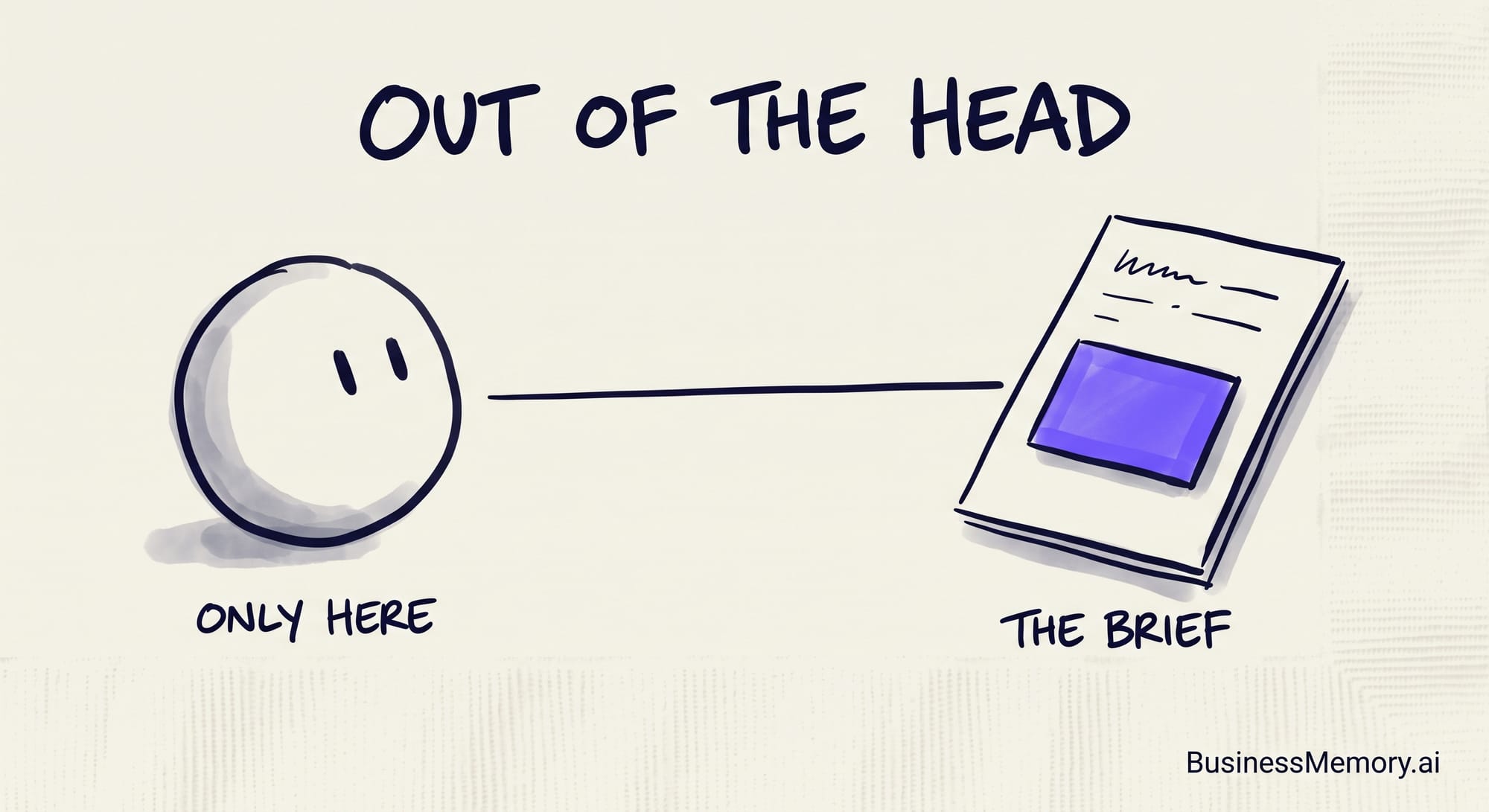
Owning your emails in practice means the messages sit on your own computer as plain text files any AI can read, they are filed the way your business thinks — by property, by customer, by deal — and you can ask a question and get the answer with the exact message behind it. This week I did that with ten years of emails about one rental house: 237 conversations, 648 messages, one folder. That is what "I own my emails" means.
| In the inbox | In your own files | |
|---|---|---|
| Who owns them on paper | You. Google's terms say so. | You. |
| Where they live | Google's computers | Your computer |
| How they are sorted | By the day it arrived | By project, customer or deal |
| How you find one | A search box, one message at a time | Ask, and get the message behind the answer |
| What an AI can read | What you paste into a chat | The whole deal, start to finish |
| If the account goes quiet | Google may delete it after two years unused | The files stay where they are |
| Sharing with your team | Forward one email at a time | Everyone in the vault sees the whole folder |
Why is an inbox a bad place to keep your business history?
Because an inbox is sorted by time, and a business is not.
A deal is not a day. The rental house I mentioned started at the end of 2016 with the closing papers. Then came the tenants, the rent rolls, the roof quote, the insurance renewals, a change of property manager, and this spring, two quotes for a new air conditioner. Ten years. More than one of my mailboxes. 237 conversations.
Gmail keeps all of it, spread across ten years of everything else that ever landed in my inbox.
So when I need one fact — what did we agree about repairs? — I have to remember the words somebody used in 2017 and type them into a search box. Most of us do not remember those words. So we scroll. We open six emails. We give up and ask the other person to send it again.
Honestly, I used to think that was just what email is.
It is not. It is what an inbox is: a doorway. It was never built to be the place where your business keeps its history.
How do you get your emails out of Gmail?
I did not delete anything, and I did not leave Gmail. I made a copy that lives with me.
Here is the real how, in plain words.
Google will hand you a copy if you ask, through a page called Google Takeout. The download expires in about seven days, and it comes out as one big file of everything, with no folder for each deal. The sorting is the part that matters, and that part is on you.
So I use a small helper program that can read my mailboxes but can never send, delete or change anything. I asked it for every conversation about that one house, across all my mailboxes, from the first email to the last. It came back with one folder. Inside, one plain text file per conversation: the date, who wrote to whom, the subject, and every message in full, oldest first. The attachments — the rent rolls, the quotes, the statements — came along as their own files.
Then my business memory read that folder and filed it. Every conversation went under that house's own folder in my vault. Every attached paper became its own note beside the emails. The original download gets copied to a backup drive.
The whole thing took an afternoon.
So I did it again that evening with my adhesive business: 353 conversations. Then, that night, with a piece of land I invested in: 57 more. More than 600 conversations, in files I own, sorted the way I think.
I have written before about why where your data lives is the first question to ask any AI tool. This is that question, asked about email.
What changes when your emails are in your own files?
The hunt ends.
Now I can ask, in plain words, "What did we agree with the property manager about repairs, and when did the fee change?" and the answer comes back with the exact email it came from. Not a guess. Not a summary. The message, with the date on it.
I can open it at two in the morning with no internet, because the files are on my computer. Nothing to log into. Nothing to search.
And here is the part I did not expect. Finally, the AI can read the whole story of one deal at once! Not the three emails I remembered to paste into a chat. All 648 messages, in order, with the papers beside them. Ask it what changed between 2017 and today, and it knows, because it has all of it.
A programmer looks at this and sees a folder of text files. I look at it and see ten years of one deal that finally answers me.
It is the same for the customer who has been with you since 2019, the supplier who changed his prices three times, the partner you started something with and never wrote down the terms. Most of us have that history. It is sitting in an inbox, sorted by the day it arrived, waiting for us to remember the right words.
Do you have to leave Gmail to own your emails?
No. And here is the honest part, so you hear it from me.
Google did nothing wrong here. Gmail still gets my mail every morning, and it is a fine mailbox. I did not close anything. Google still has my emails. It just does not have the only copy anymore.
And the rule is written down: an account nobody touches for two years can be deleted, mail and all. Mine will never sit that quiet. But a rule like that tells you whose house it is.
One more limit, the same one every time: sharing is by vault, not by person. Everyone I invite into a vault sees that whole vault. The house's folder lives in my private vault, so nobody sees it but me. For a small team, that line is simple, and you can see it.
That folder is a business memory doing its job. A business memory is a private record of everything your business knows — what was agreed, paid, promised and decided — kept on your own computer as plain text files any AI can read, so you can ask anything and get the answer with the exact reference behind it.
I'm committed to moving the rest. One deal at a time, one customer at a time, until nothing my business needs lives only in an inbox.
Records were never meant for storage. Give your business a memory.
#BeBusinessSmart
Frequently asked questions
Do you own the emails in your Gmail account?
On paper, yes. Google's terms of service say "Your content remains yours," so you keep the rights to what you write. In practice the messages live on Google's computers, sorted by date, and you reach them through Google's search box. Owning them in practice means keeping a copy on your own computer as plain text files, filed by project, that any AI can read and answer from.
Can Google delete my emails?
Google's inactive-account policy says an account not used for two years may be deleted along with its data, including Gmail; the earliest such deletion was December 1, 2023. Reading or sending one email keeps an account active. A copy on your own computer does not depend on that rule.
How do you get your emails out of Gmail?
Google Takeout will hand you a download of your mail; the download expires in about seven days and comes as one file with no folder per deal. A helper program can do the sorting: read the mailboxes, write one plain text file per conversation with every message in full, save the attachments as their own files, and file each conversation under its project's folder.
Why sort emails by project instead of by date?
An inbox is sorted by the day each message arrived, so one deal is spread across years of everything else. Filed by project, the whole history of a deal sits in one folder, in order, with its papers beside it — and an AI can read all of it at once instead of the few messages you remember to paste.
What is a business memory?
A business memory is a private record of everything your business knows — what was agreed, paid, promised and decided — kept on your own computer as plain text files any AI can read, so you can ask anything and get the answer with the exact reference behind it.